Browse models and research evidence
Review tumor, normal-tissue and disease organoids with related characterization, applications and project evidence.
Browse public models ↗TRiCBIO BIOBANK
Browse representative models, request PDO line-level availability, characterization and study-relevant data, and discuss model supply or commissioned studies with our team.
Browse public models directly, request PDO line-level availability and characterization information, and discuss further data access based on research use and authorization scope.
WAYS TO USE THE BIOBANK
Browse public models directly, then contact our team for specific PDO lines, characterization records or authorized data access.
Review tumor, normal-tissue and disease organoids with related characterization, applications and project evidence.
Browse public models ↗Request project-relevant line-level information by cancer type, tissue origin, molecular features, characterization and availability.
Request line-level information ↗Share the intended research use and required lines or data fields. Our team will explain what information can be provided, how access is arranged and the next steps.
Request access ↗Discuss models matched to your cancer type, tissue of interest and PDO 1.0 or PDO 2.0 study system.
Explore your needs for histology, molecular features and functional readouts in the context of your study.
Work with our team on model selection, supply requirements and commissioned studies.
Representative resource areas
These representative model areas illustrate the available pathways. Our team will match resources to cancer type, sample context, readouts and collaboration needs.

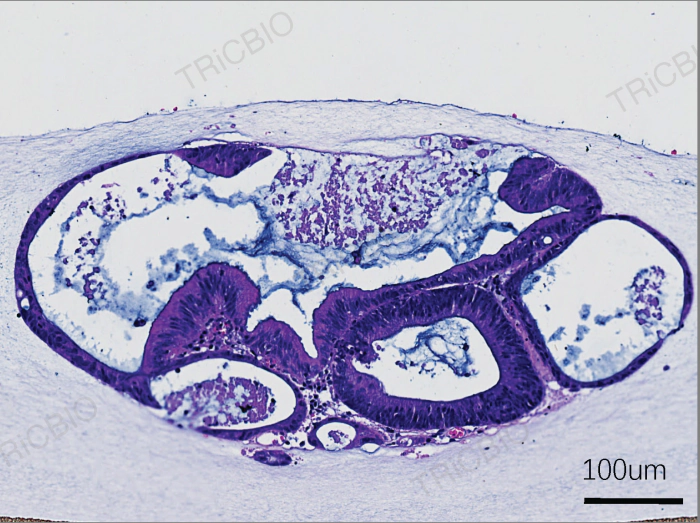
Match tumor PDOs by cancer type, study context and readout needs for target, efficacy and mechanism studies.
Explore a representative model ↗
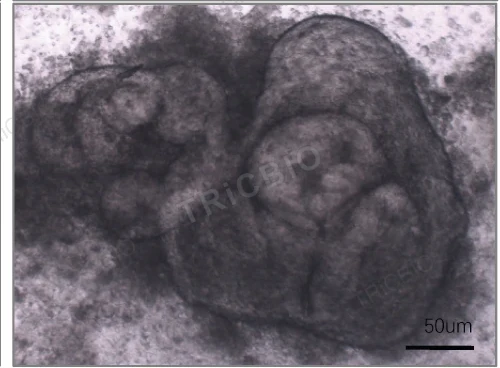
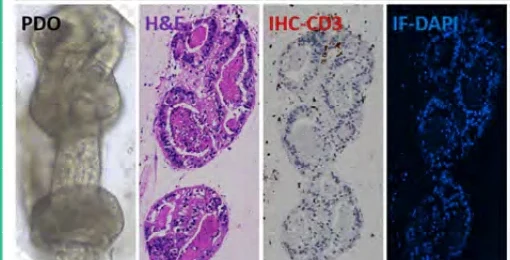
Retain source-tissue architecture and sample immune context for tumor-microenvironment and immunotherapy studies.
Explore a representative model ↗
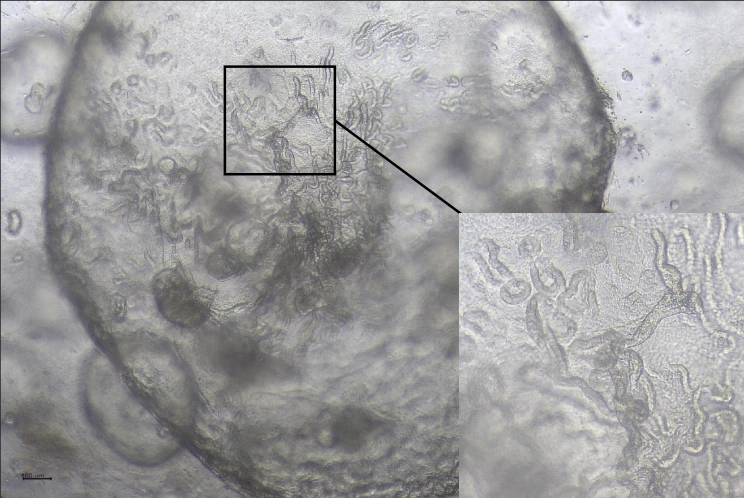
Match safety-study models around tissue function, injury response and candidate selectivity.
Explore a representative model ↗TRiCBIO BIOBANK
Browse representative models, request PDO line-level availability, characterization and study-relevant data, and discuss model supply or commissioned studies with our team.
Browse public models directly, request PDO line-level availability and characterization information, and discuss further data access based on research use and authorization scope.
WAYS TO USE THE BIOBANK
Browse public models directly, then contact our team for specific PDO lines, characterization records or authorized data access.
Review tumor, normal-tissue and disease organoids with related characterization, applications and project evidence.
Browse public models ↗Request project-relevant line-level information by cancer type, tissue origin, molecular features, characterization and availability.
Request line-level information ↗Share the intended research use and required lines or data fields. Our team will explain what information can be provided, how access is arranged and the next steps.
Request access ↗Discuss models matched to your cancer type, tissue of interest and PDO 1.0 or PDO 2.0 study system.
Explore your needs for histology, molecular features and functional readouts in the context of your study.
Work with our team on model selection, supply requirements and commissioned studies.
Representative resource areas
These representative model areas illustrate the available pathways. Our team will match resources to cancer type, sample context, readouts and collaboration needs.

Match tumor PDOs by cancer type, study context and readout needs for target, efficacy and mechanism studies.
Explore a representative model ↗
Retain source-tissue architecture and sample immune context for tumor-microenvironment and immunotherapy studies.
Explore a representative model ↗
Match safety-study models around tissue function, injury response and candidate selectivity.
Explore a representative model ↗